Commercial load-bank support

Start with the unit, the problem, and what your operation needs.

Send MPR the equipment details and reported symptoms. Our team can use that information to discuss mobile service, Kaufman shop intake, or the right next diagnostic step.

Clear intake Practical service planning No repair work without authorization
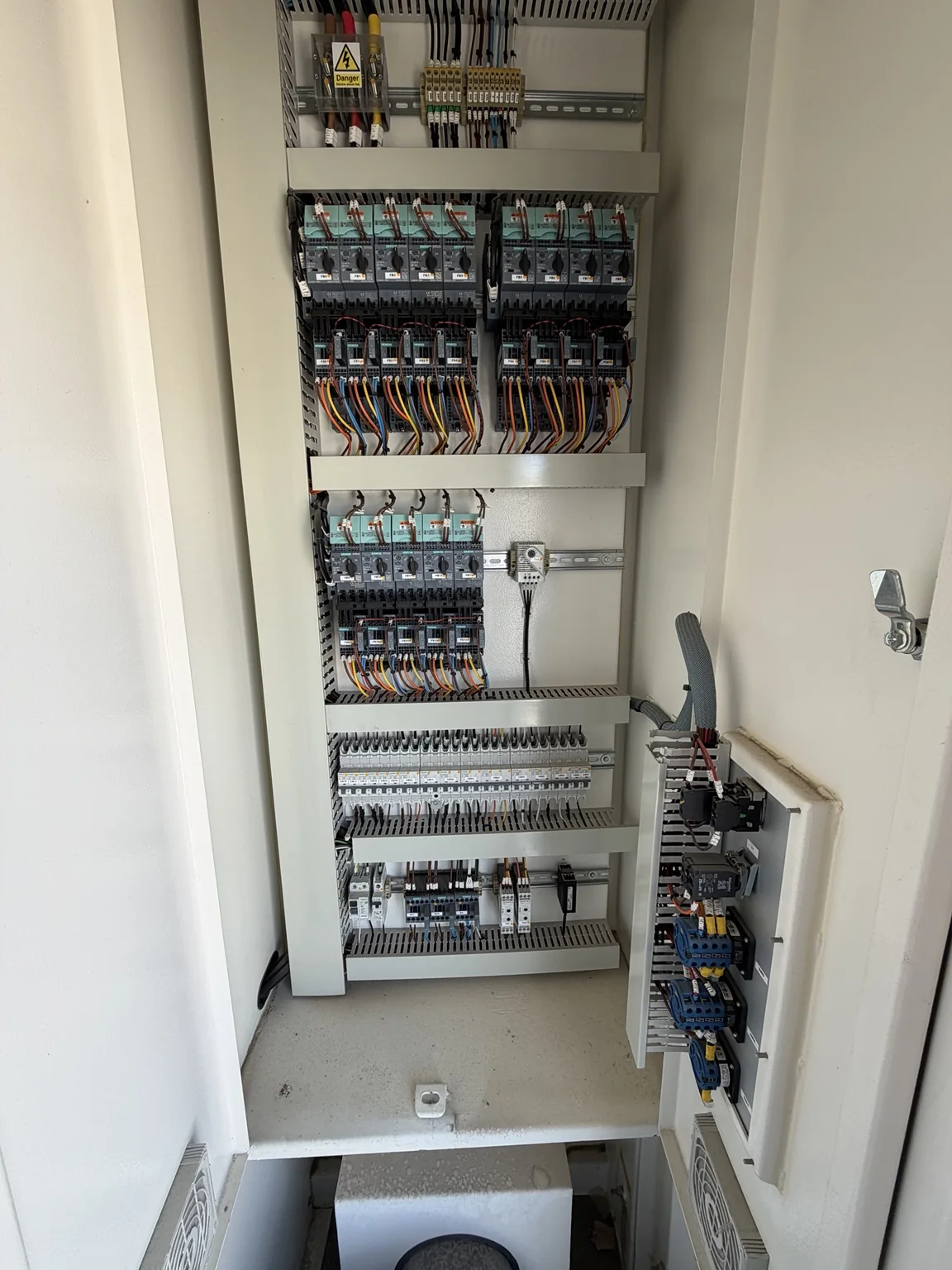
Open commercial load-bank control cabinet showing wiring and control components
Document the symptom Share clear equipment photos

Service intake

Send equipment details

Give MPR enough information to understand the unit, the failure, and the most practical service path. Fields marked with an asterisk are required.

01 Your contact information
Include an extension when applicable.
Preferred contact method
02 Equipment and service path
What kind of support are you considering?
City and state are sufficient for the initial request.
03 Failure details
Include alarms, symptoms, affected load steps, and when the issue occurs.
Note any parts replaced, measurements taken, or conditions confirmed.
Tell MPR whether the unit is down, affecting a rental or job, or part of a repair backlog.
04 Photos and documents

Send files after MPR makes contact

You do not need attachments to submit this request. MPR will let you know which nameplate, control-panel, component, wiring, or fault-screen files will be most useful, and you can reply by email.

Ready to send

Your request is securely recorded in MPR's Wix service-intake workflow. No repair work begins without customer authorization.